What the Retail Phone Shop Wall Cabinet Furniture Image Shows
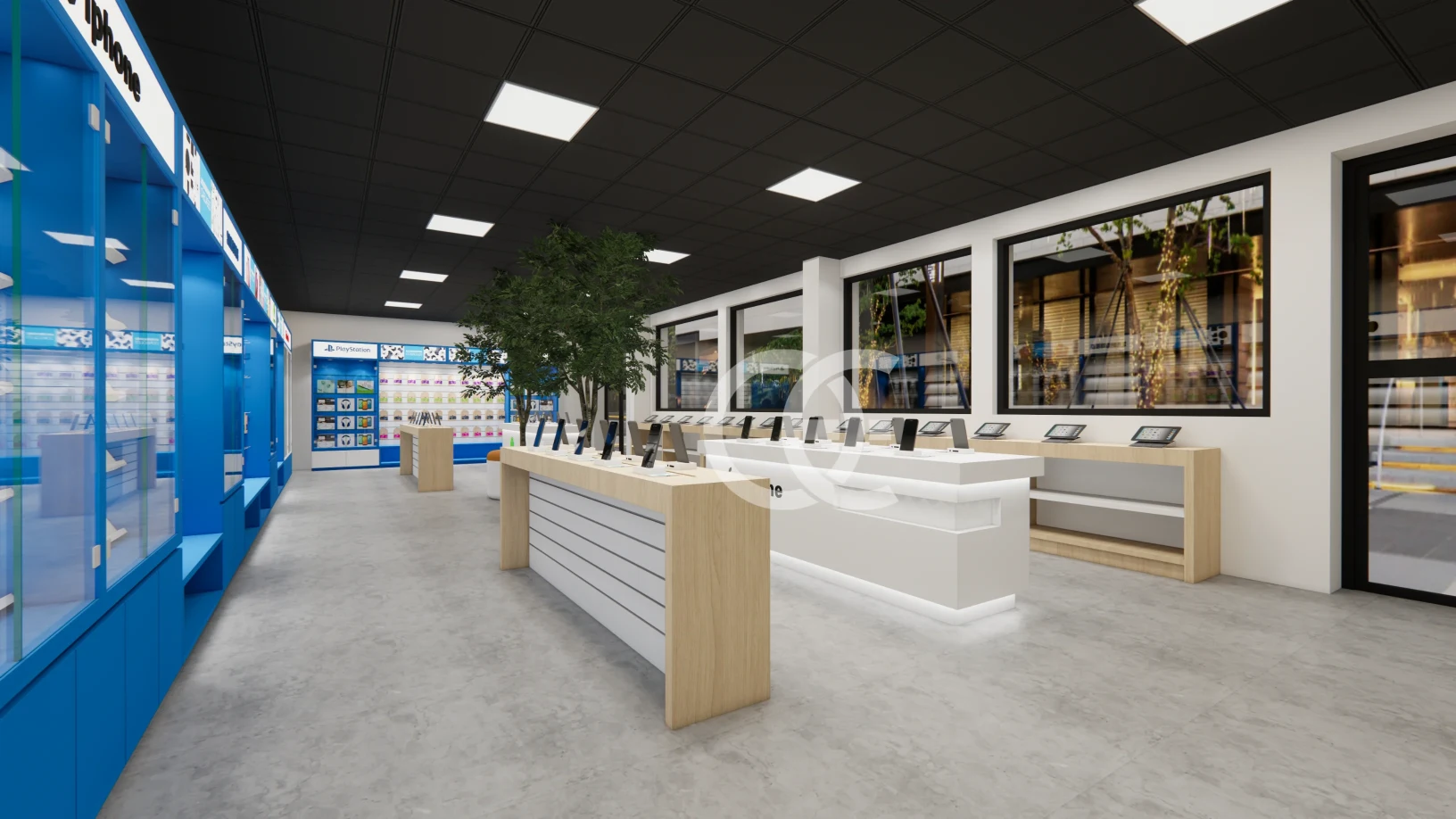
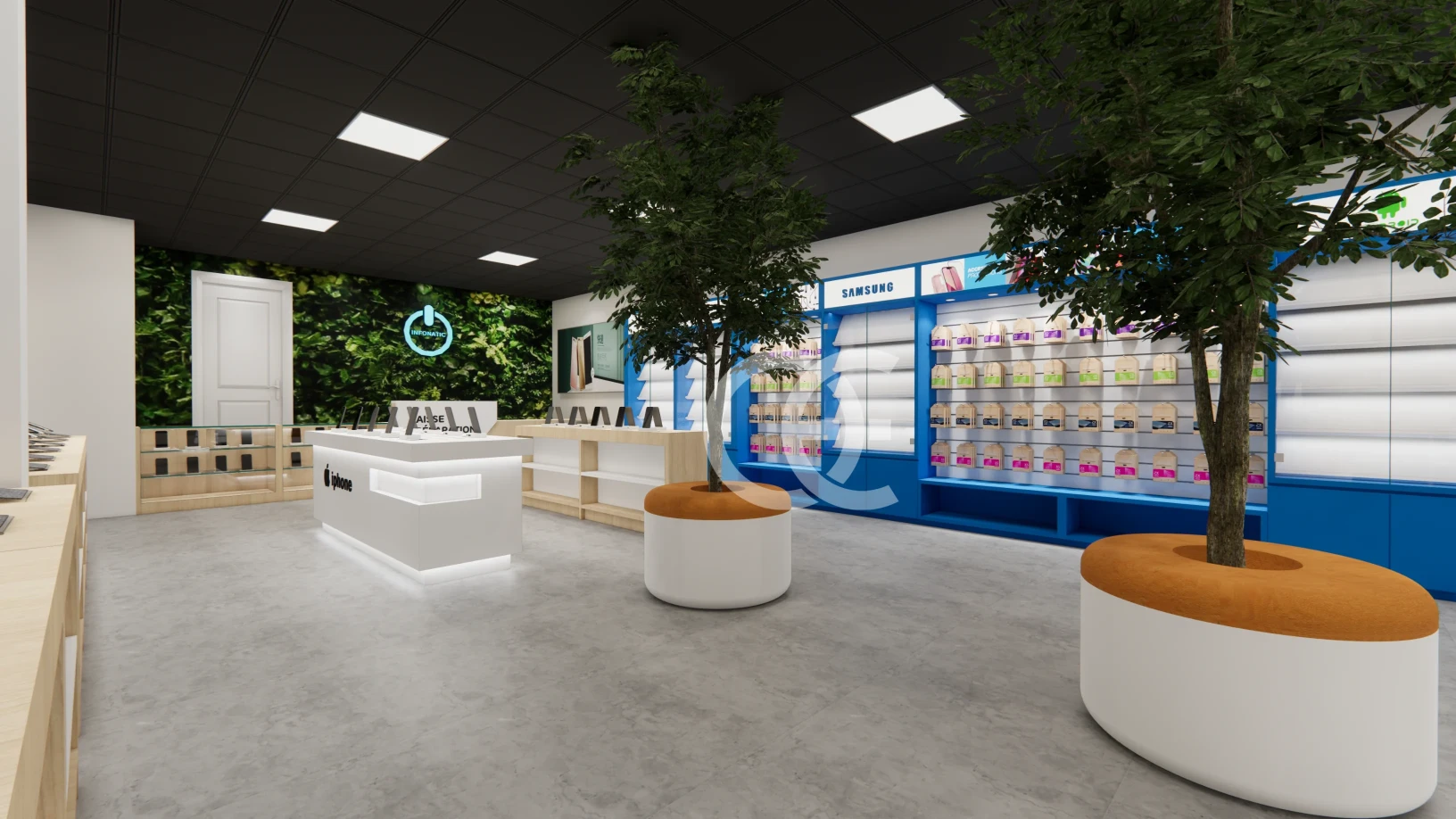
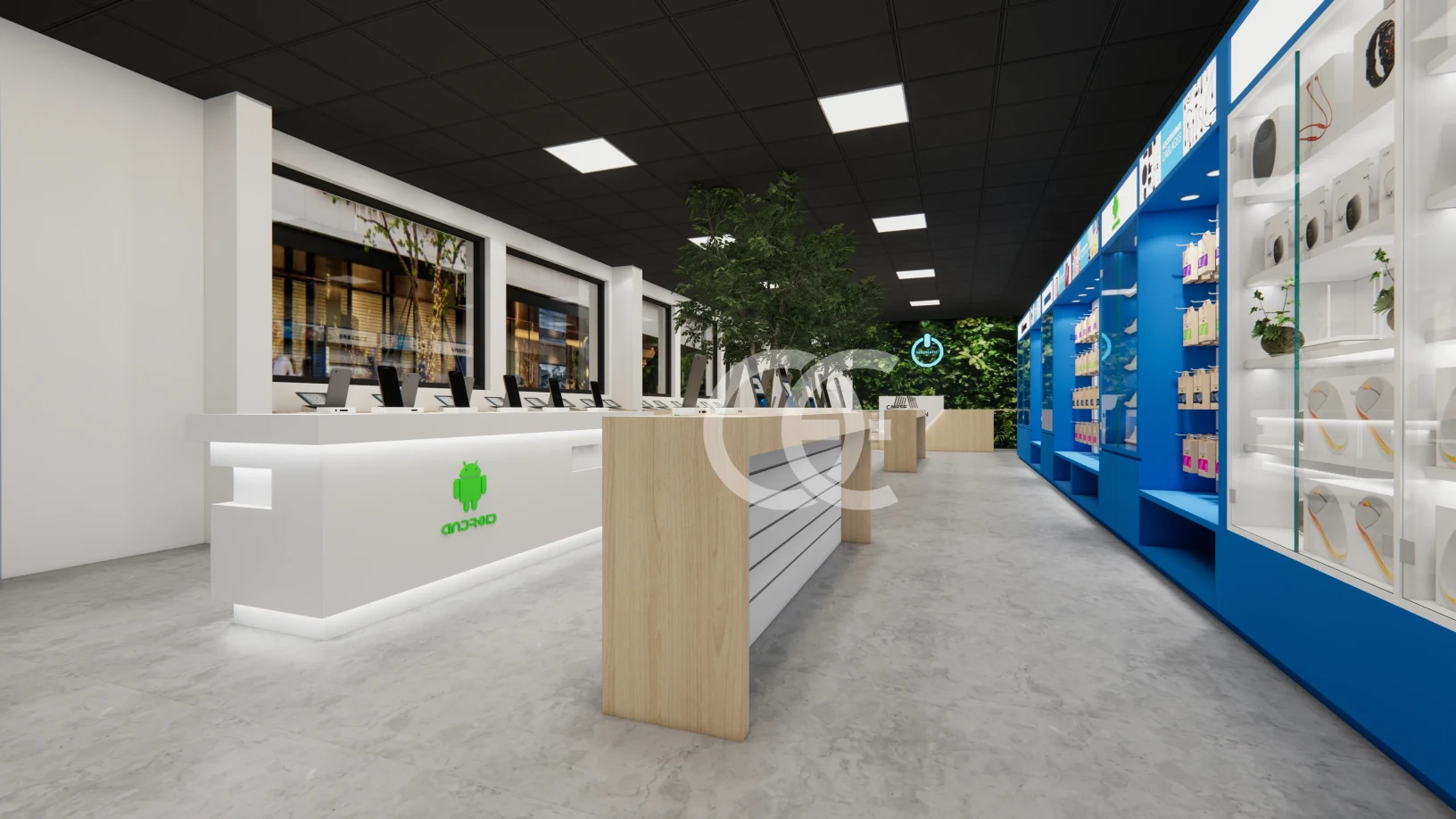
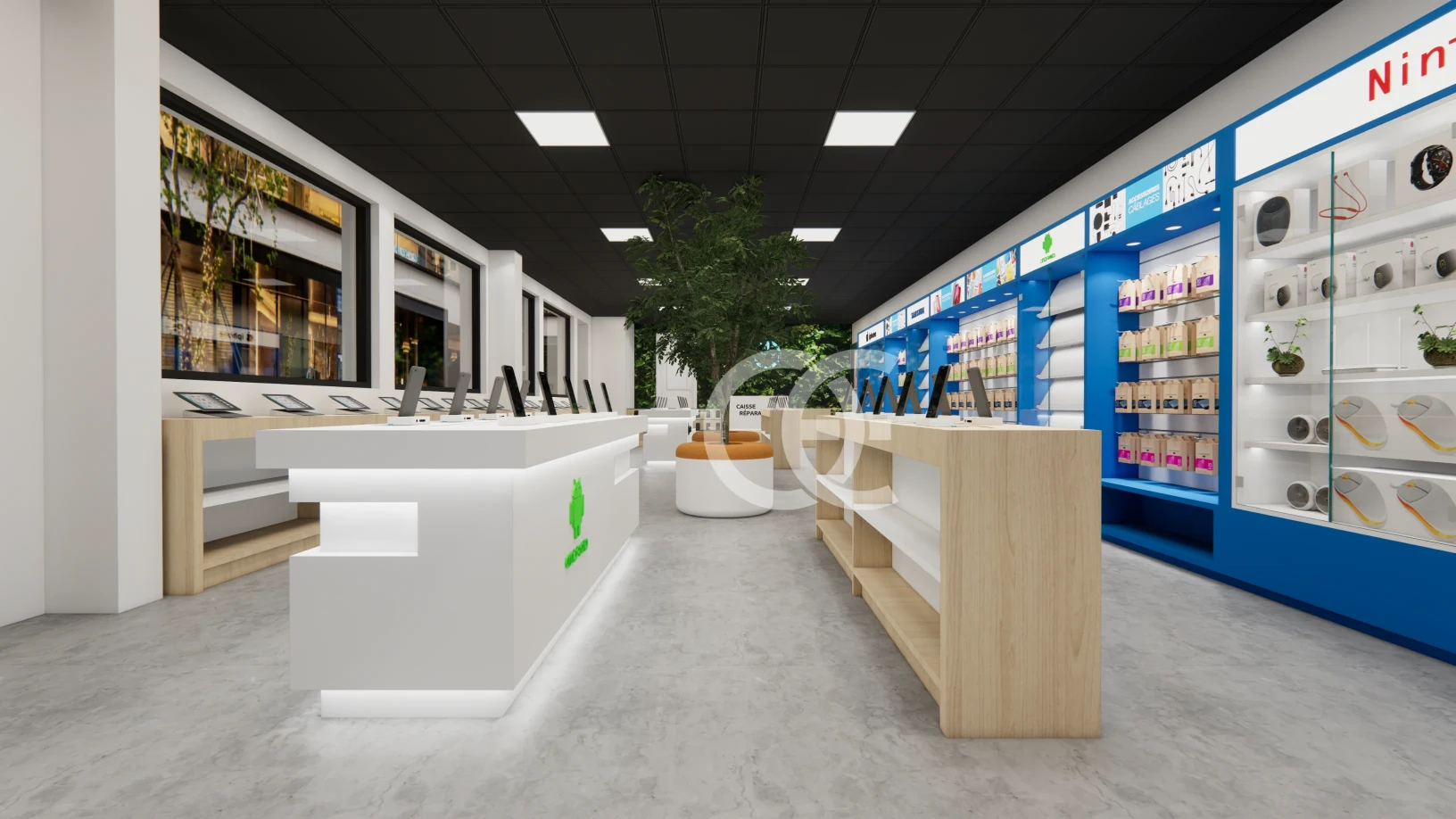
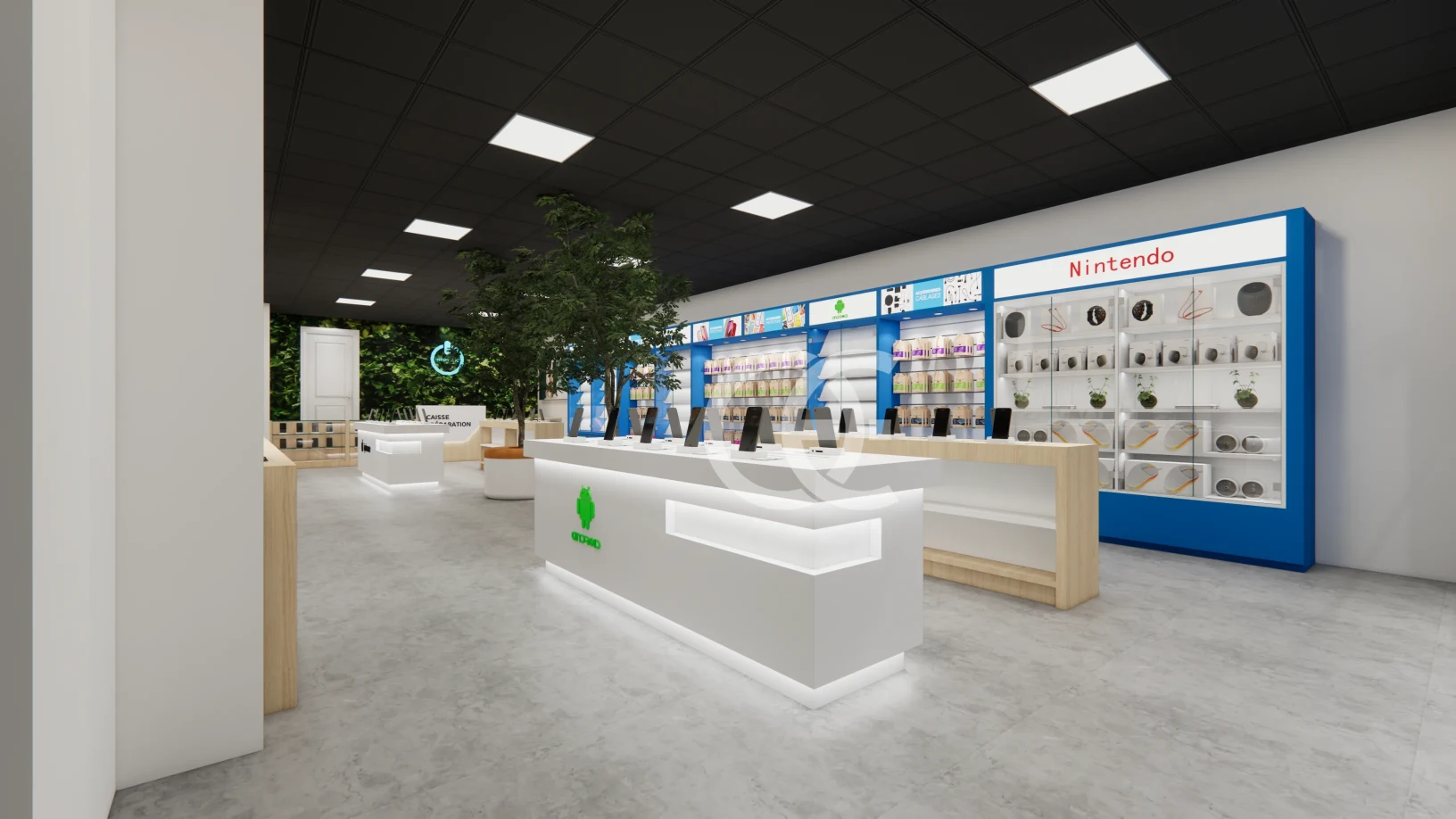
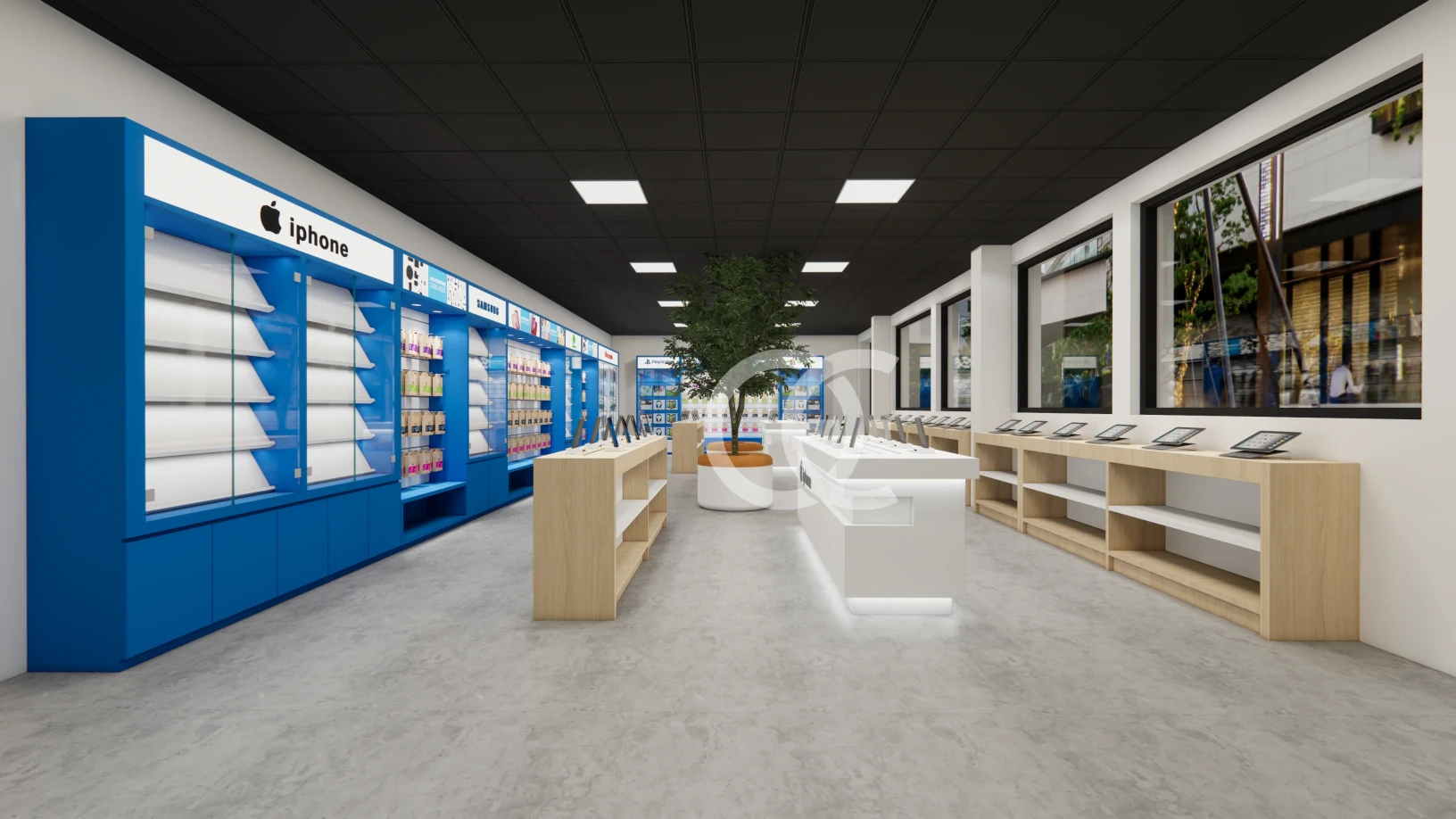
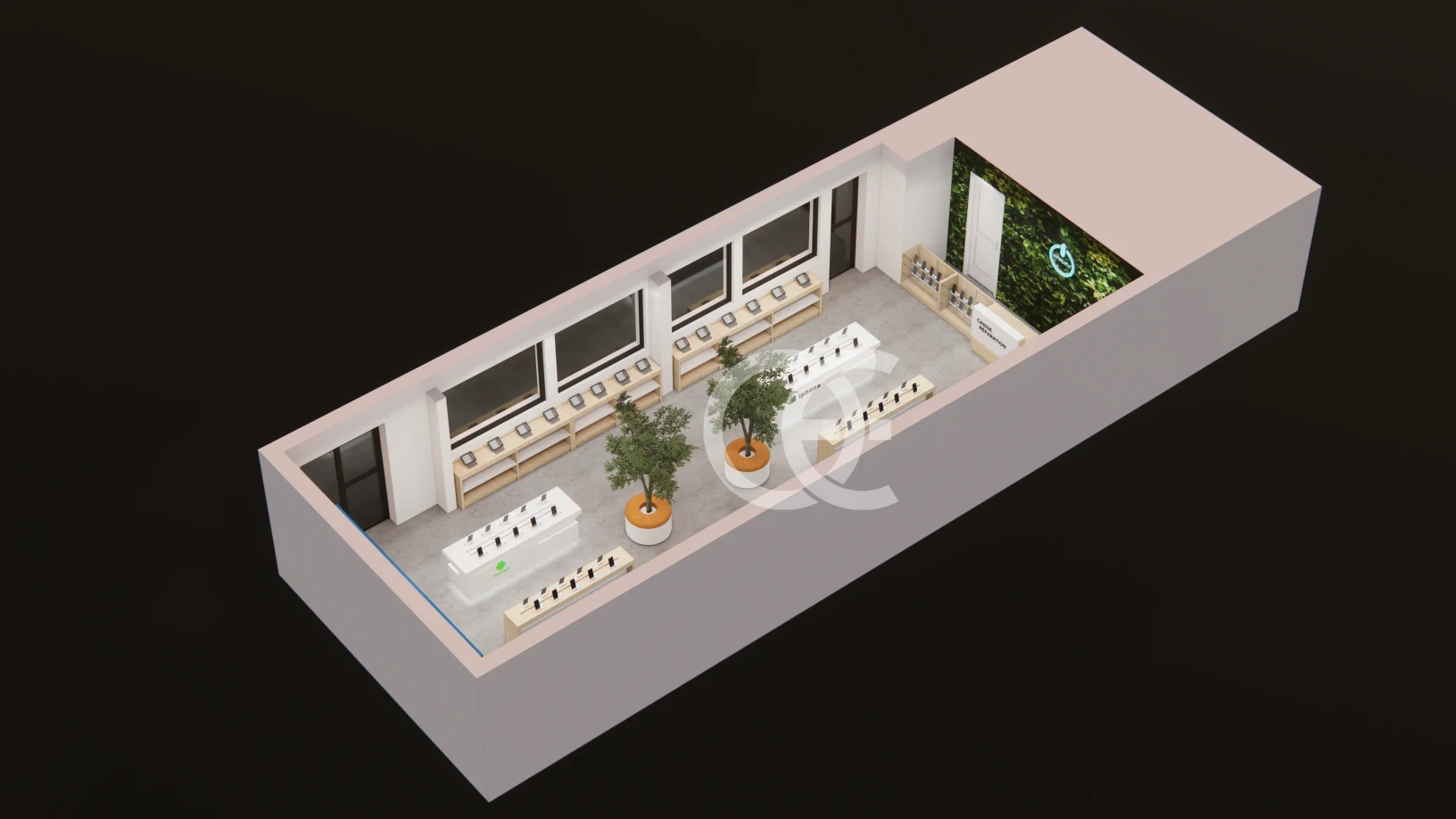
This rendering gives the Retail Phone Shop Wall Cabinet Furniture a specific visual identity through its gray, light gray, black color balance and clearly defined display cabinet. The composition directs attention toward the merchandise rather than letting the furniture dominate the scene.
Its commercial value comes from applying the visual direction to real merchandise—smartphones, accessories, connected devices, and live demonstration products. That makes the project relevant not only to Retail Phone Shop Wall Cabinet Furniture, but also to searches for mobile phone display stand, smartphone demo table, and phone accessory wall.
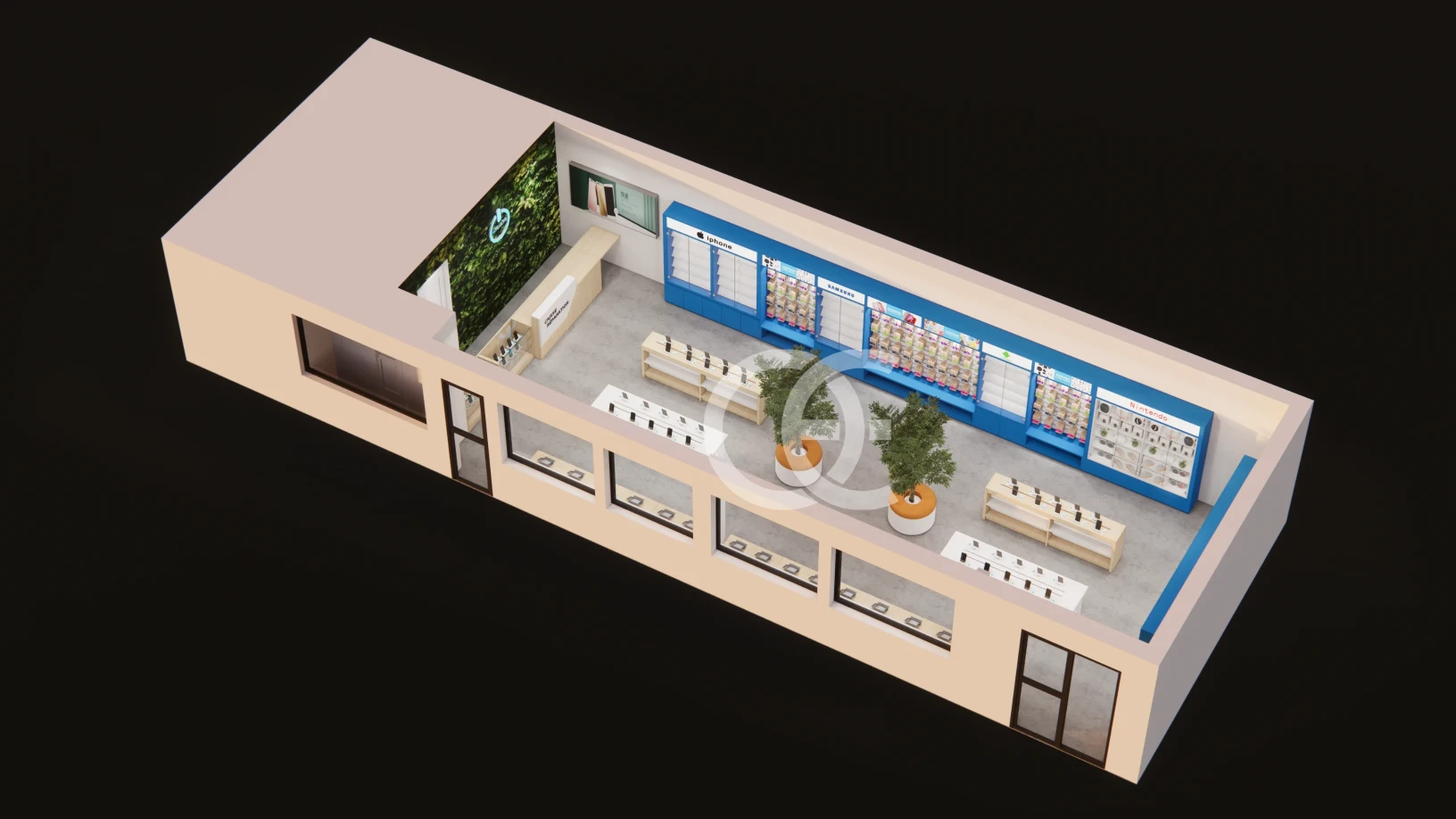
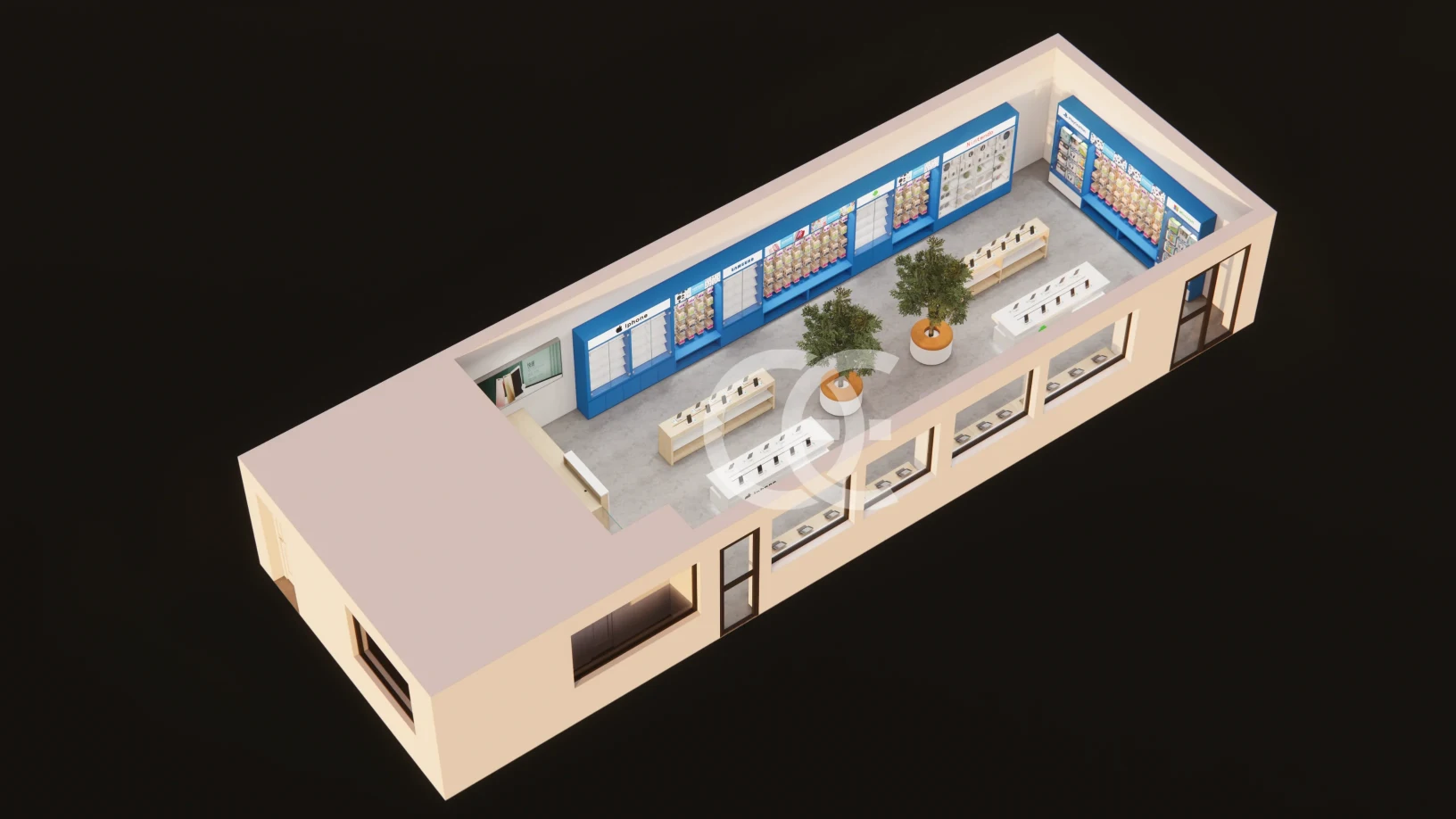
Zoning the Store Around Mobile Phone Display Stand for Retail Phone Shop Wall Cabinet Furniture
Rather than filling every surface, the layout should preserve breathing room around the main display cabinet. This improves product recognition and leaves space for customers to approach, compare, and move toward the next category.
A coordinated package can add powered demo tables, accessory walls, lockable cabinets, service desks, and launch displays. Their heights, openings, and storage positions should follow one visual language so that cable management and electronics store fixtures read as a connected fixture family.
Material Specification for the Display Cabinet in Retail Phone Shop Wall Cabinet Furniture
The visual balance relies on gray, light gray, black tones, so material selection should protect that contrast under real store lighting. Sample boards can compare laminate, lacquer, metal coating, glass, acrylic, or stone-look options before production.
The fixture detailing can incorporate open fixture geometry. LED position, cable routes, ventilation gaps, lock locations, removable panels, and cleaning access should be drawn before fabrication rather than solved on site.
Adapting the Concept to Store Size and Assortment for Retail Phone Shop Wall Cabinet Furniture
To adapt the concept for a real site, Ouyee can translate the image into layout drawings, 3D revisions, material samples, technical elevations, and a module list matched to shipping and installation needs.
With those points resolved, the secure device display can move from an attractive image to an installation-ready system with fewer decisions left for the site team.







 English
  German
  Arabic
  French
  Spanish
  Italian
  Russian
  Turkish
  Portuguese
  Japanese