Introduction
Imagine walking into a mini grocery store that feels like a maze, with products scattered haphazardly, making your shopping experience frustrating and time-consuming. Now, envision a store where every aisle is intuitively laid out, guiding you effortlessly to what you need. The difference lies in the layout mini grocery store design. A well-thought-out design can transform customer experience, boost sales, and optimize space. In this article, we delve into the intricacies of designing the perfect mini grocery store, from the front entrance to the strategic placement of goods, ensuring your store stands out in the competitive retail landscape.
The Importance of Mini Grocery Store Design
Enhancing Customer Experience
A strategic layout mini grocery store design is pivotal in crafting a seamless shopping journey. According to Retail Design Institute, stores with an optimized layout see a 20% increase in customer satisfaction. The design should guide customers intuitively, reducing the time spent searching for products and enhancing overall shopping pleasure.
Maximizing Space Efficiency
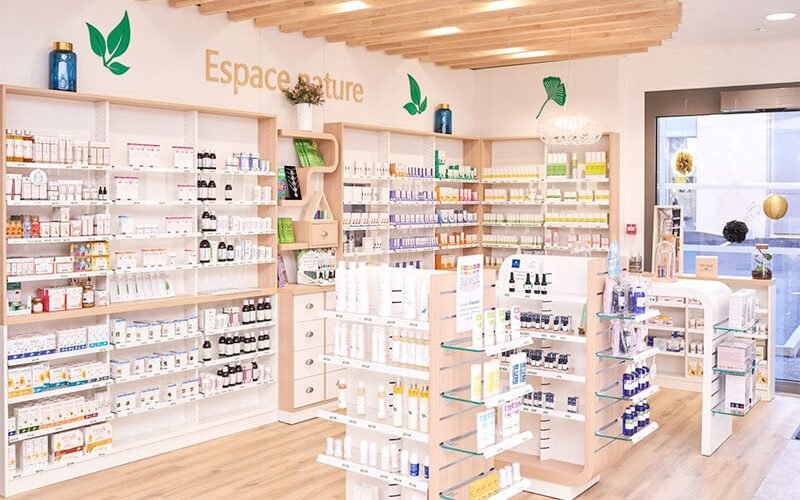
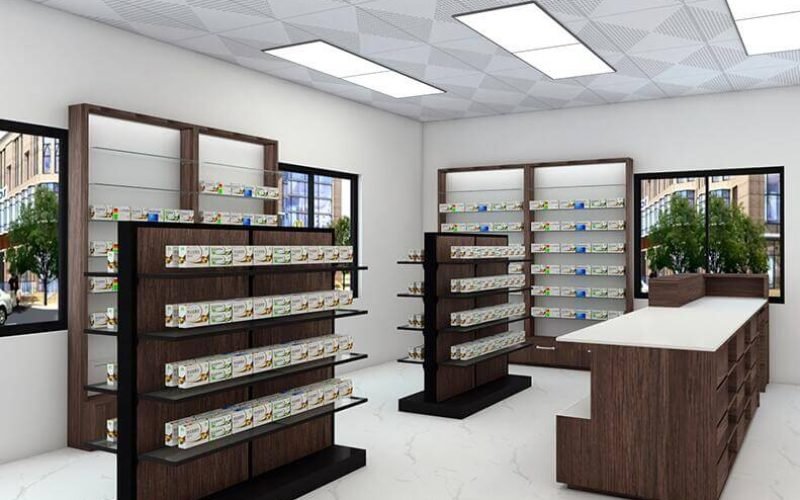
Space is a premium in mini grocery stores. Efficient design ensures every square foot is utilized optimally, accommodating more products without clutter. By employing smart shelving solutions and strategic product placement, stores can maximize their inventory while maintaining a clean and organized look.
Key Elements of Mini Grocery Store Design Front
Welcoming Entrance
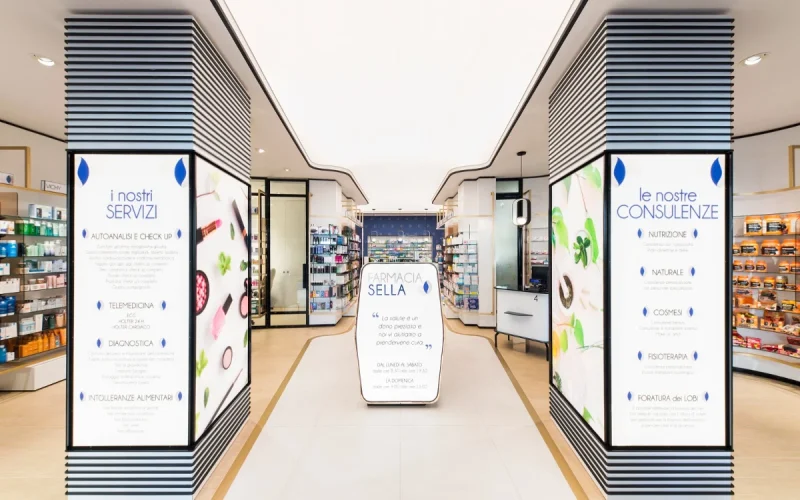
The store’s entrance is the first impression customers have. It should be inviting and functional. Consider wide doors for accessibility and clear signage that communicates your brand identity. The entrance should seamlessly lead into the store, encouraging customers to explore further.
Strategic Product Placement
Position high-demand items at eye level and near the entrance to capture attention quickly. Use end-cap displays for promotional products, drawing customers deeper into the store. By analyzing current trends in retail design, it’s evident that strategic placement can significantly influence purchasing decisions.
Efficient Checkout Area
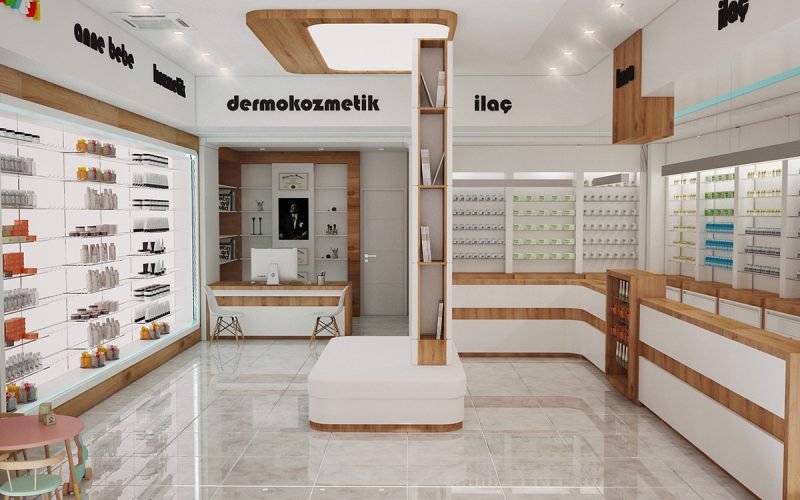
The checkout area should be easily accessible, reducing wait times and ensuring a smooth transaction process. Incorporate digital payment options and self-checkout stations to cater to tech-savvy customers and streamline operations.
Designing for Different Store Sections
Produce Section
Fresh produce is often a key attraction in grocery stores. Design this area to highlight freshness and quality. Use natural lighting and vibrant displays to create an appealing environment. According to Food Marketing Institute, stores that emphasize fresh produce see a 15% increase in foot traffic.
Dairy and Frozen Goods
These sections require careful temperature management. Ensure aisles are wide enough for easy navigation, and place popular items at the front for quick access. Use clear signage to guide customers efficiently.
Snacks and Beverages
This section should be dynamic and visually stimulating, encouraging impulse buys. Consider using colorful displays and innovative shelving to make products stand out.
Effective Use of Technology in Mini Grocery Store Design
Smart Shelving Solutions
Implement smart shelving that tracks inventory and provides real-time data on product movement. This technology not only aids in efficient stock management but also enhances customer experience by ensuring popular items are always available.
Digital Signage
Utilize digital signage for promotions and product information. This modern approach can engage customers, providing them with valuable insights and encouraging purchases.
Case Study: Successful Mini Grocery Store Designs
Store A: Innovative Layout and Increased Sales
Store A revamped its layout, focusing on customer flow and strategic product placement. By optimizing their design, they saw a 25% increase in sales within six months.
Store B: Technology-Driven Design
Store B integrated smart technology into their design, including digital signage and smart shelving. This approach not only improved customer experience but also streamlined operations, leading to a 30% increase in efficiency.
FAQs
What are the key aspects of a successful mini grocery store design?
Successful designs focus on customer experience, space efficiency, strategic product placement, and the integration of technology.
How can technology enhance grocery store design?
Technology can provide real-time inventory data, streamline checkout processes, and enhance customer engagement through digital signage.
Conclusion
A well-designed mini grocery store layout is essential for maximizing space, enhancing customer experience, and boosting sales. By focusing on strategic product placement, efficient use of technology, and creating a welcoming environment, stores can thrive in the competitive retail market. As you embark on designing your store, remember to prioritize customer needs and leverage innovative solutions to stand out. Share your design ideas or experiences in the comments below!